Register and Login Account
PWS uses an account system to keep track of your applications. Note that we uses SSO for login, so you must use your UI account's credentials to access our service. This will be explained below.
Registering Account
You will need to register your account first to use the service
-
Go to the Registration Page.
-
Enter the username, your full name, and your password in the following field.
You must use your UI CredentialsYou have to use your UI account for the username and password as we will have SSO check.
For example, if your UI account isjohn.doe@ui.ac.idand the password isUI123, then you must inputjohn.doeas the username andUI123as the password.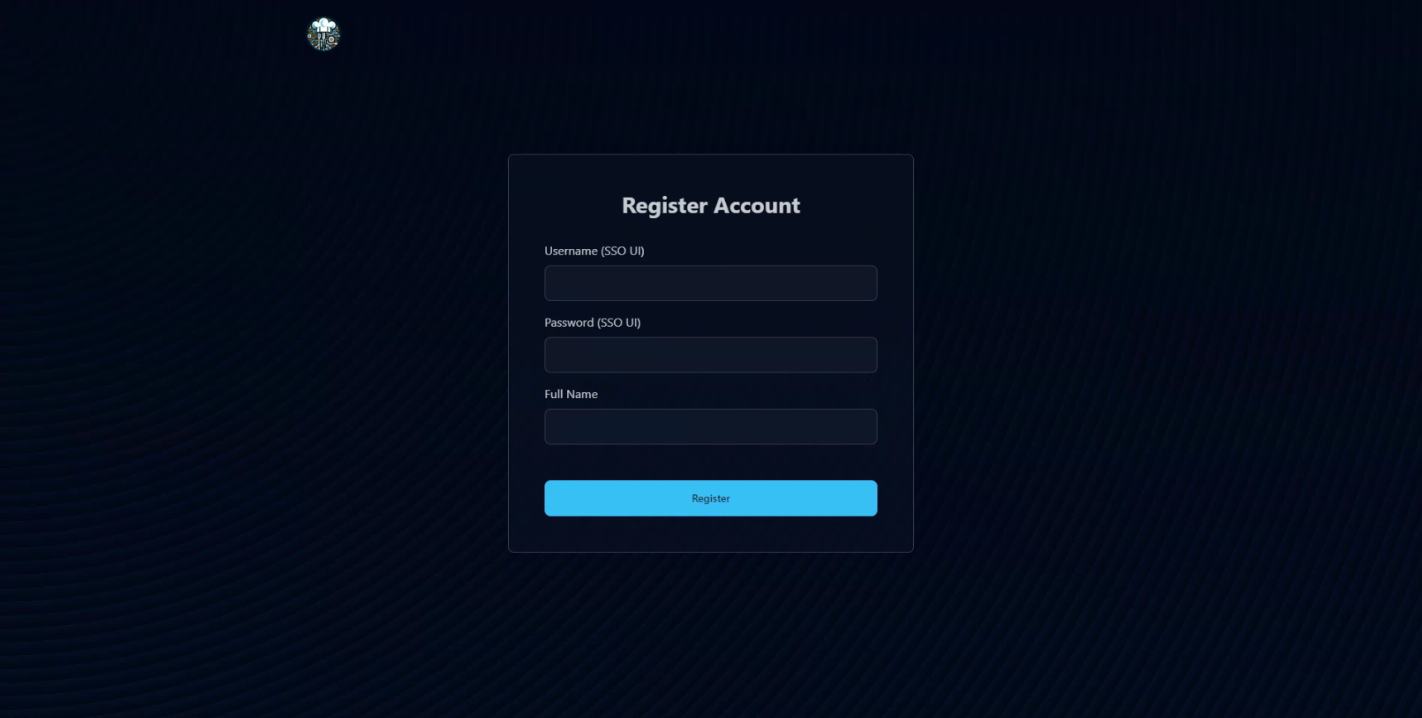
-
You will be automatically logged in once registered.
Logging In to Your Account
If you're logged out, you can login with the account you've created.
-
Go to the Login Page.
-
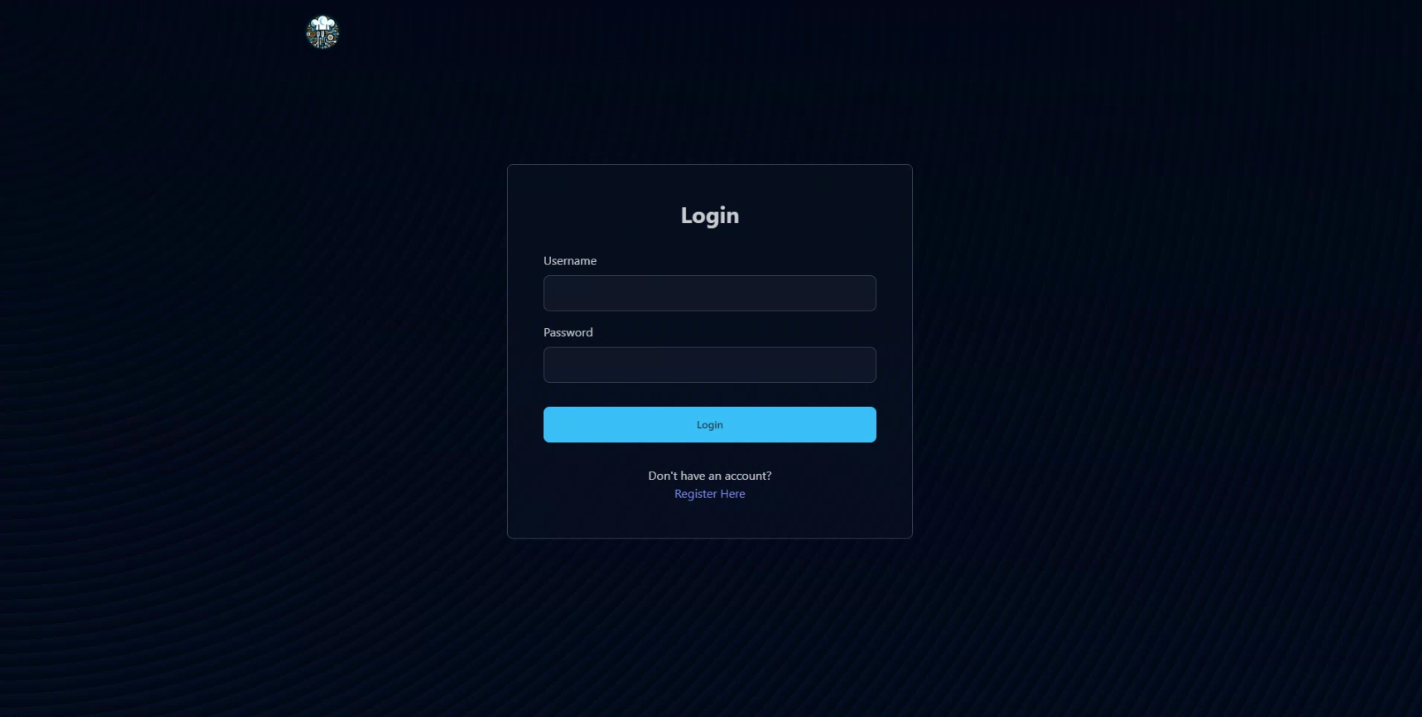
Enter the username and password that you use for registration. Note that we use SSO login for our service, so you can input your UI username and password.
-
You will be automatically redirected to the dashboard once logged in.
Log Out from Your Account
You can log out anytime by entering https://stndar.dev/logout into your URL.